Database Migrations in Postgres Using Goose
How we manage database migrations and seed sample data in a PostgreSQL using Goose.
By Aprim Regmi -
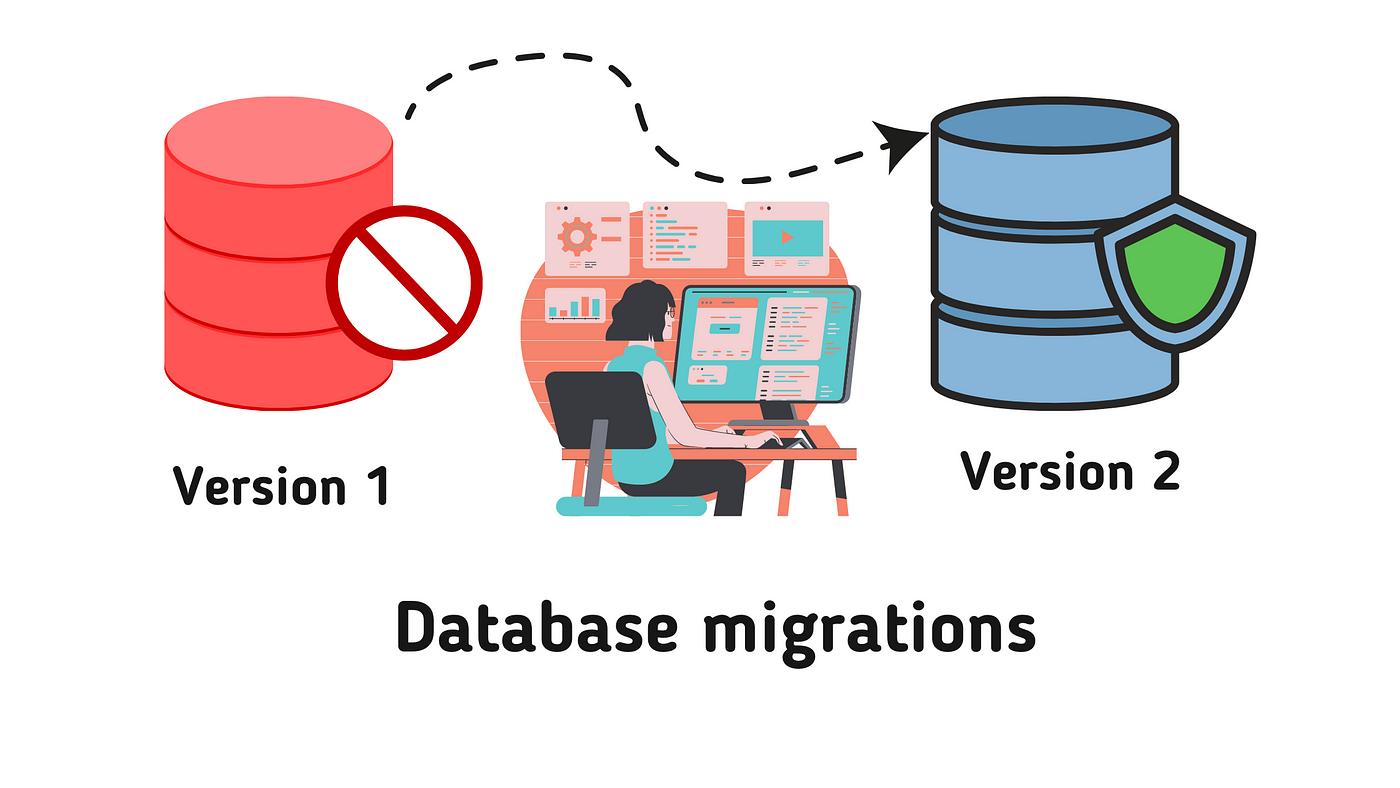
What are database migrations?
Database migrations are like Git commits, but for database structure, simply versioned SQL file that tracks the change to database schema. Instead of manually running SQL queries or altering tables directly on a production server which is risky and hard to track, migrations let us control every change to our schema. We can run migrations to make our database schema up to date and rollback to safe state if something goes wrong.
Why Goose?

There are several tools available for database migrations, but Goose is one of the most popular, lightweight, and flexible database migration tools. It allows us to write migrations in raw SQL (or even native Go code) and can be used as a CLI tool during development or run directly inside your go server.
Managing database migrations using Goose
Let's walk through how to set up Goose and run first database migration with PostgreSQL.
1. Installing Goose
First, let's install the Goose CLI globally on our machine:
go install github.com/pressly/goose/v3/cmd/goose@latest
2. Setup Env
Before we write migrations we need to setup some environment variables
.env
GOOSE_DRIVER=postgres
GOOSE_DBSTRING="host=localhost user=postgres password=secret dbname=mydb sslmode=disable"
GOOSE_MIGRATION_DIR=db/migrations
3. Creating your first migration
Create a folder for your migrations (db/migrations). Then, use the goose create command to generate a new SQL migration file:
goose create create_users_table sql
This will generate a sql file inside your folder, such as 20260824120000_create_users_table.sql.
4. Writing the migration SQL
Open your migration file. Goose uses special comment (-- +goose Up and -- +goose Down) to split your file into up migration and rollbacks:
20260824120000_create_users_table.sql
-- +goose Up
CREATE TABLE users (
    id SERIAL PRIMARY KEY,
    name TEXT NOT NULL,
    email TEXT UNIQUE NOT NULL,
    password TEXT,
    created_at TIMESTAMP DEFAULT now()
);

-- +goose Down
DROP TABLE IF EXISTS users;
Up: Applied when moving your database structure forward (e.g., creating tables).
Down: Applied if something went wrong and we ever need to undo or roll back the change.
5. Running migrations
To apply our migrations to the PostgreSQL database, run the following command:
goose up
Under the hood, Goose automatically creates a tracking table named goose_db_version in our database. This table keeps track of which migration files have already been run.
We can also check our migration status anytime by running:
goose status
Output:
Applied At                  Migration
=======================================
Mon Aug 24 10:19:32 2026 -- 20260823162916_create_users_table.sql
Mon Aug 24 10:24:17 2026 -- 20260824102030_create_admin_table.sql
Mon Aug 24 10:27:36 2026 -- 20260824102636_update_admin_table.sql
Mon Aug 24 10:33:43 2026 -- 20260824103048_alter_user_table.sql
Mon Aug 24 11:18:32 2026 -- 20260824103406_alter_admin_table.sql
6. Rollbacks
If anything went wrong and we need to roll back to the previous db state, we can run this command:
goose down
Or, if we want to go back in specific point in history, we can use this command:
goose down-to <version>
This will start rolling back the database from the latest to the desired version. We can make some changes and migrate up the database schema.
Data Seeding
While migrations handle database schema, we often need an automated way to insert default or demo data for development, testing or demo. That's where data seeding comes in.
Data seeding is the process of populating a database with initial sample data and Goose helps us handle this easily. Since, Goose migration files are just sql files we can use them to seed our database with default values by writing INSERT queries.
Create a migration file for seeding users table.
goose create seed_users sql
Now write a query to seed users table:
20260825104622_seed_users.sql
-- +goose Up
INSERT INTO users (name, email, password) VALUES
('John', 'john@gmail.com', 'john123'),
('Alice', 'alice@gmail.com', 'Alice123'),
('Jack', 'jack@gmail.com', 'jack123');

-- +goose Down
DELETE FROM users WHERE email IN ('john@gmail.com', 'alice@gmail.com', 'jack@gmail.com');
Never store plain text password in a real app. Always hash sensitive data before storing them in the database - this is just for demo purposes.
Now we can simply do goose up to seed our table with default test data.
Conclusion
And that's it! We've just implemented database migrations and seeded initial sample data cleanly using Goose.